

How to Vibe Code a Game (From Idea to Playable)
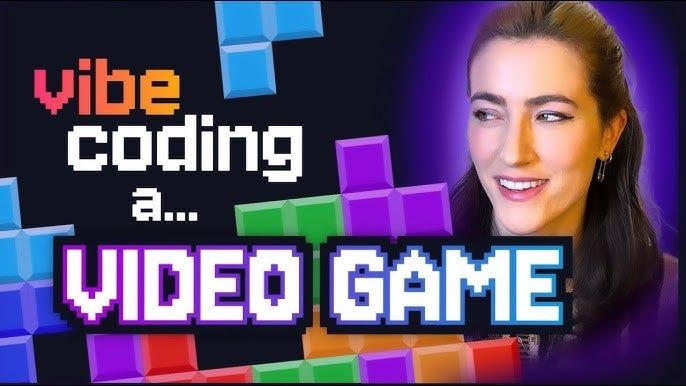
“Vibe coding” has become a popular way to describe a new kind of game development.
You start with an idea.
You experiment quickly.
You use AI tools, engines, and intuition to build something that feels right.
And often, it works.
But many vibe-coded games never make it past the playable stage. Not because they’re bad, but because the process stays improvised for too long.
This guide explains how to vibe code a game from idea to playable, without losing momentum and how to add just enough structure to actually ship.
What Is Vibe Coding in Game Development?
Vibe coding is an intuitive, fast-moving approach to building games.
Instead of rigid planning upfront, developers:
- Prototype early
- Experiment with mechanics and feel
- Use AI tools to generate code, assets, or logic
- Follow momentum rather than detailed specs
Vibe coding is especially common among:
- Solo developers
- Indie teams
- AI-native creators
- Game jam participants
The strength of vibe coding is speed and creativity.
The weakness is direction and follow-through.
Step 1: Start With a Playable Idea, Not a Perfect One
Vibe coding works best when you focus on playability first, not completeness.
Ask:
- What’s the core interaction?
- What makes this fun in 30 seconds?
- What can I test today?
At this stage, you don’t need a full design doc.
You need something you can play.
This is where many games are born and where momentum begins.
Step 2: Turn the Vibe Into a Playable Prototype
Once the idea feels right, the goal is to make it playable as fast as possible.
That usually means:
- One core mechanic
- Placeholder art or AI-generated assets
- Rough UI
- No polish
The mistake many developers make is continuing to add features without pausing to reflect.
A playable prototype answers one critical question:
Is this worth continuing?
Step 3: Identify the “What Next?” Problem
This is where most vibe-coded projects stall.
After the prototype, developers often ask:
- What should I build next?
- Which feature matters most?
- What depends on what?
- How big is this really?
Without structure, progress becomes reactive. Features get added out of order. Dependencies surface late. Motivation drops.
This is the moment where production thinking matters.
Step 4: Add Lightweight Production (Without Killing the Vibe)
Adding structure doesn’t mean killing creativity.
It means answering three questions:
- What’s the next playable milestone?
- What needs to exist before that works?
- What can wait?
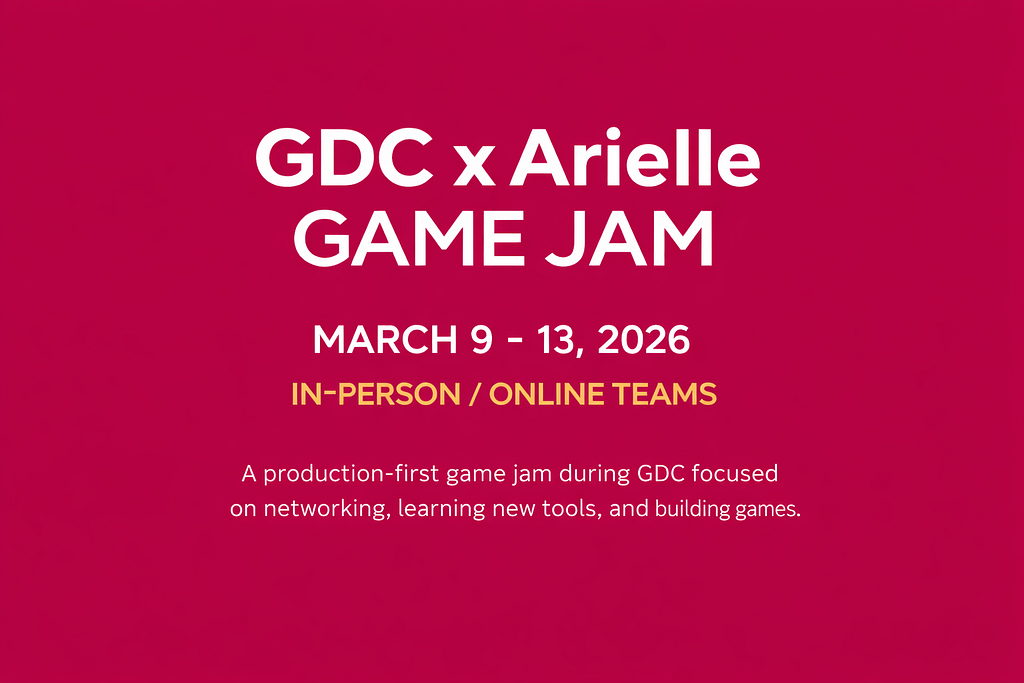
This is where tools like Arielle, an AI production copilot for game developers, become useful.
Instead of writing long plans, developers can:
- Describe their current game state
- Define the next goal (demo, vertical slice, jam submission)
- Let Arielle turn that into a clear task sequence with dependencies
👉 Learn how Arielle supports vibe and AI-native developers:
https://www.gamershome.gg/
Step 5: Use AI Tools Intentionally, Not Randomly
Vibe coding often involves many AI tools:
- Code copilots
- Asset generators
- Dialogue or narrative tools
The key is coordination.
When tasks are clear, AI tools become accelerators.
When tasks are vague, AI tools create noise.
A production-aware workflow helps you:
- Use tasks as prompts for AI tools
- Maintain context across iterations
- Avoid rebuilding the same thing twice
Step 6: Reach a Playable Milestone
A “playable” isn’t the same as “finished.”
A playable milestone might be:
- A demo
- A game jam build
- A vertical slice
- A pitch-ready prototype
The goal is closure.
Finishing something even imperfectly builds confidence and momentum. It also reveals what actually needs work next.
Why Vibe Coding Alone Isn’t Enough
Vibe coding is powerful at the beginning.
But games don’t ship on vibes alone.
They ship when creativity is paired with:
- Sequencing
- Prioritization
- Dependency awareness
- Production clarity
The most successful indie developers learn how to move between intuition and structure.
From Vibe Coder to Game Producer
One of the biggest shifts a developer can make is learning to think like a producer even if they never take on that title.
That means:
- Making intentional tradeoffs
- Defining milestones
- Protecting momentum
- Knowing when to stop adding features
Gamers Home treats production as a learnable skill, not secret knowledge.
👉 Explore game production training and workflows:
https://www.udemy.com/course/game-production/?instructorPreviewMode=guest